
Customer Compass by IceBreakersXPatent pending
Customer Compass is mobile drink ordering built for the casino floor. Guests order from their phone without leaving their game. Each order is routed automatically to the nearest bar, and the server's phone points the way back to that guest.
- Guest orders
- Routed to the nearest bar
- Server's way back
The problem on a busy floor
For the guest
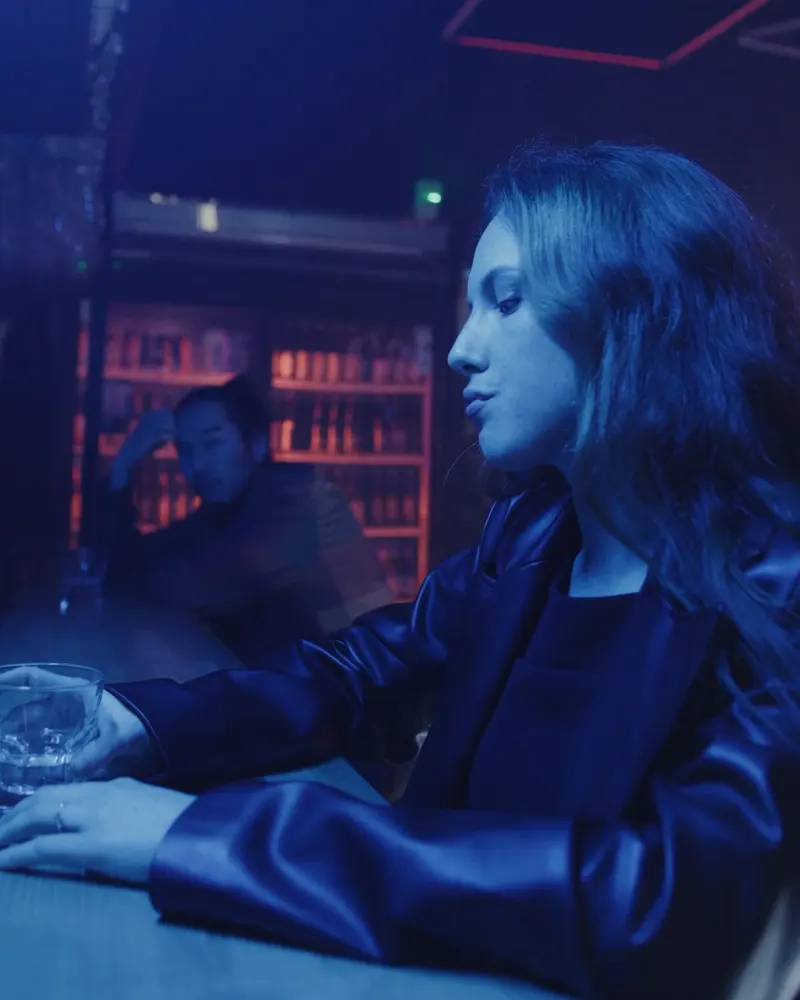
Guests leave the floor for a drink.
When no server comes by, players get up and walk to the bar.

For the server
Servers search the floor.
A description like “by the machines” leaves servers hunting, and drinks reach the wrong guest.

With Customer Compass
Every drink reaches the right person.
The server's phone points the way from the bar to the guest.
How it works
The drink is back with the guest, wherever they're playing.





- 01
The guest orders
Guests check in, choose from your menu and pay in the app. A quick scan of the room and a photo help your server find them.
- 02
The nearest bar accepts
The order goes straight to the queue at the nearest bar. The guest's card is charged when the bar accepts it.
- 03
A server takes it
The bartender assigns the order to a server, who sees it on their phone.
- 04
Straight to the guest
An arrow shows the direction and distance to the guest, and their photo appears as the server gets close.








The guest app
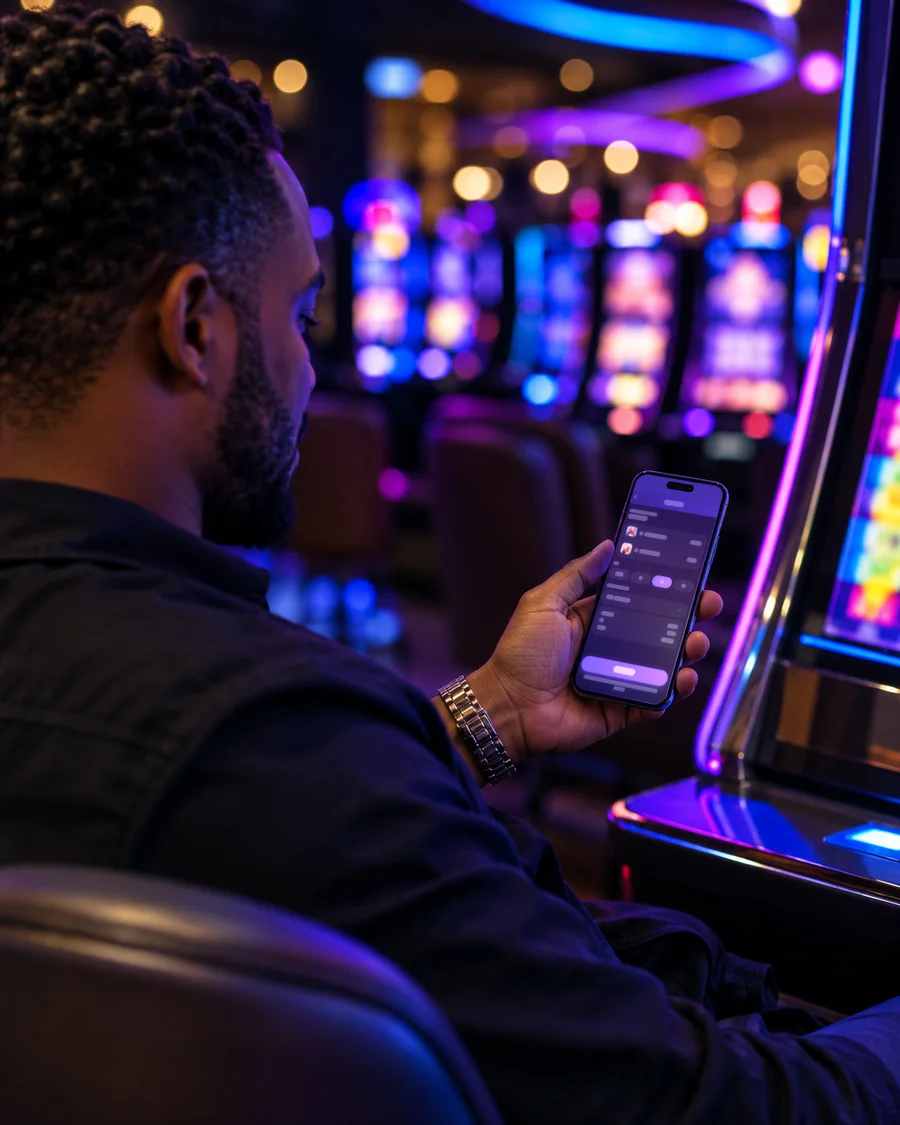
- Order from their slot machine, table, or wherever they're playing, from the venue's own menu.
- Pay securely in the app. Tipping is built in.
- Moved? One tap updates their location so the server goes to the right place.
The guest follows every step
The guest's phone shows the order moving, so they keep playing instead of looking around for a server.
Status in real time
From placed to delivered, including who is making the drink and who is bringing it.
A heads-up before it arrives
A notification when their server is close, so they know the drink is about to arrive.
Charged when the bar accepts
The card is authorized when they order and charged only when the bar accepts.
Order #7581 · Slots, Row 14
Old Fashioned, Thai Iced Tea
- Order placed9:12 PM
- Accepted by the Lobby Bar9:12 PM
- Lee is making it9:13 PM
- Dana is on the way9:16 PM
- Delivered9:18 PM
The bar's queue
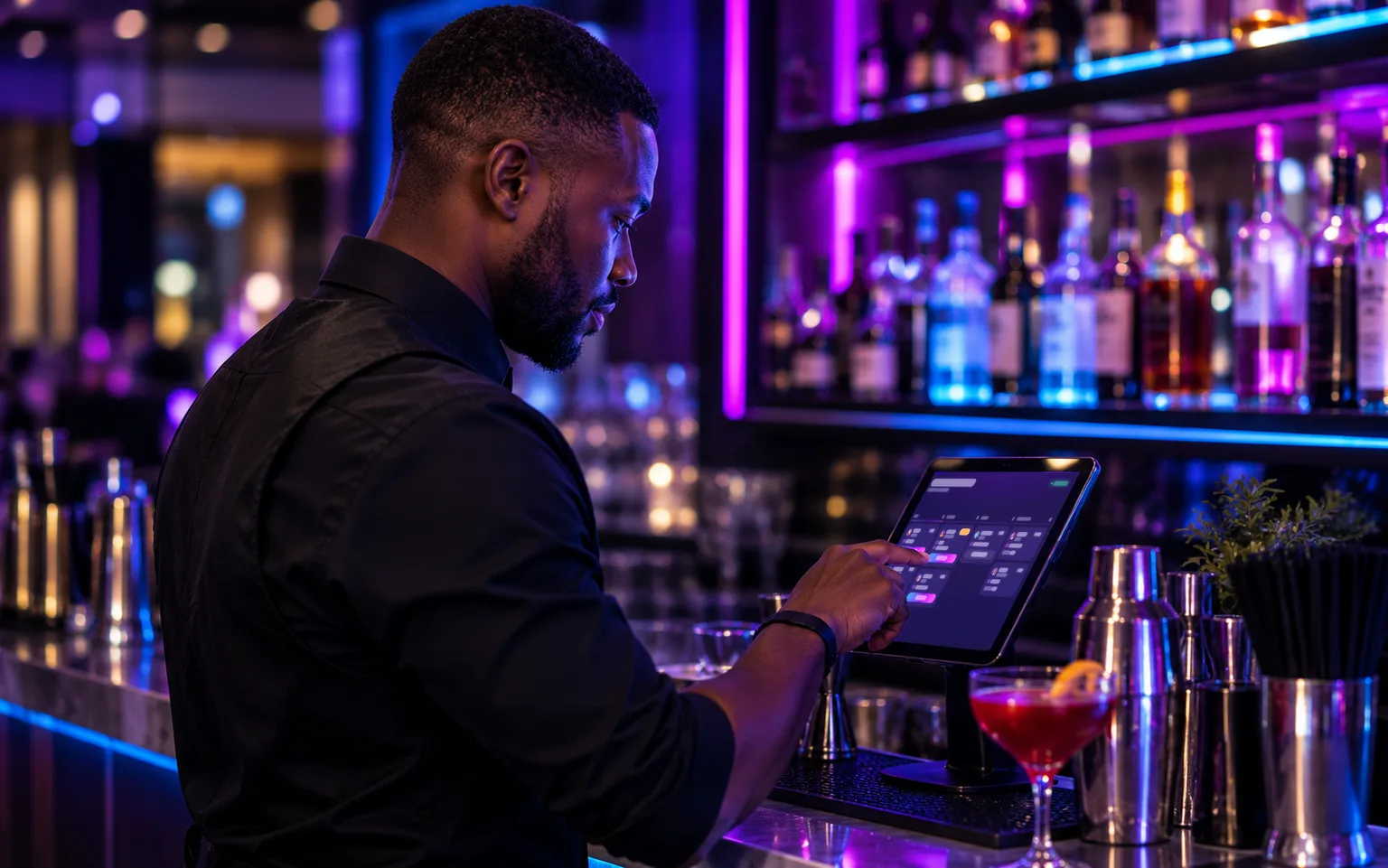
Bartenders work from a tablet, not from memory. The queue below is a simulation of a busy hour.
Built for bartenders
- One clear queue instead of paper tickets or shouted orders, on a tablet at the bar.
- Simple status updates, one tap each. Accepted orders are handed to a server from the same screen.
- Every ticket shows how long it has been waiting, and orders that have waited too long are flagged.
- Ordering can be paused with one switch when the bar is backed up.
The server's compass
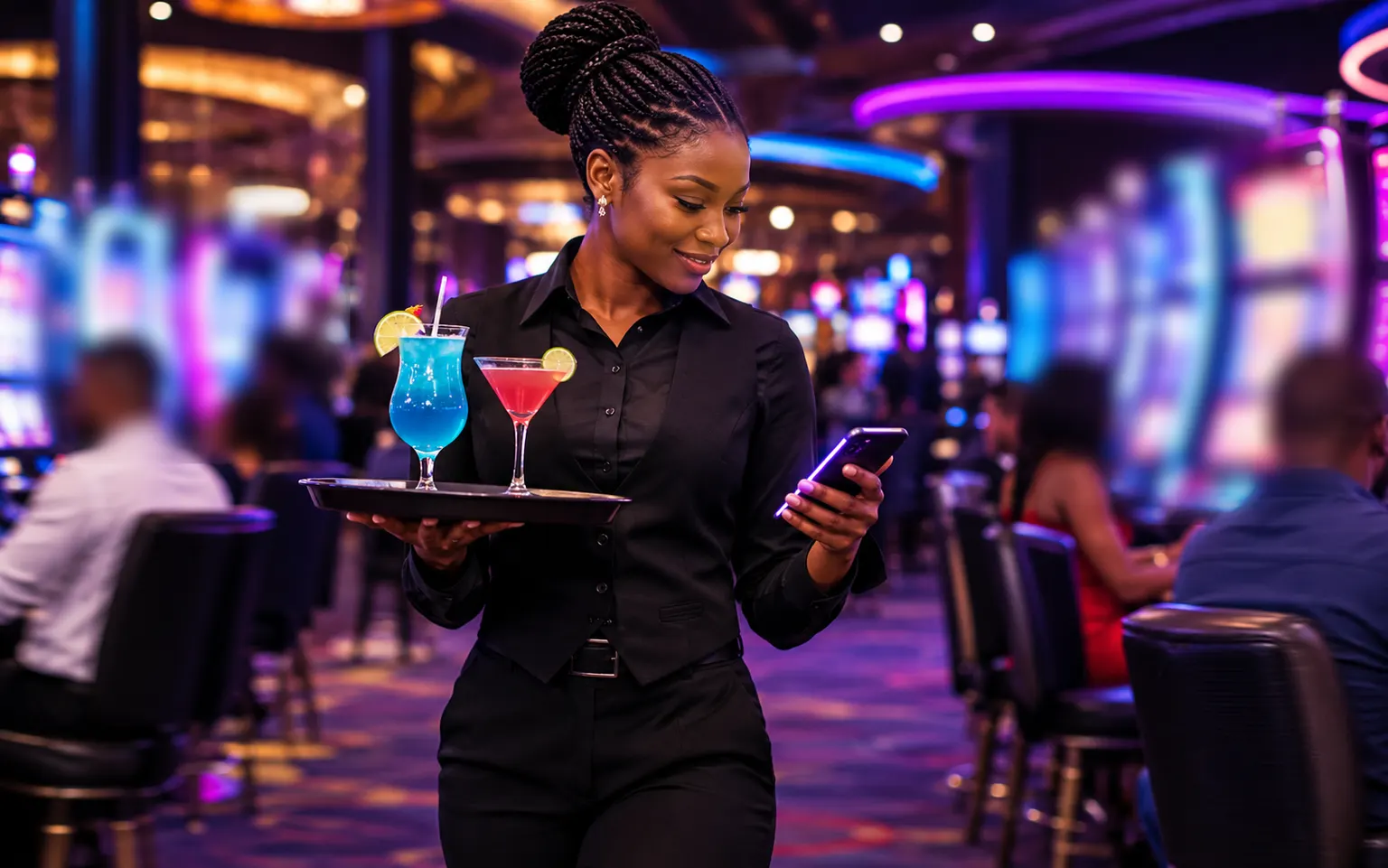
The server's phone draws the way to the guest: a path on the floor, or an arrow with the distance.
- The arrow turns green as the server closes in, and the phone vibrates within about 10 meters.
- The guest's photo appears as the server approaches, so they know who to look for.
- Servers see only the orders assigned to them, and mark each one on the way and delivered.
- Guests can tip right in the app, and servers see their tips for the shift.
- Fewer wrong-table deliveries and fewer drinks that never find their guest.
- If a guest can't be found, the server returns the order to the bar with a reason.
The server app runs on iPhone and Android.
One order. Every screen.
The guest's phone, the bar's tablet and the server's phone show the same order as it moves across the floor.
For managers and the venue
More drinks per guest, because no one has to flag down a server or walk to a bar. Managers see every order and run the whole service from one back office.
Visibility into orders, traffic, and revenue
Sales, tips, average order value, service times (time to accept, prepare, and deliver), and sales by staff member, with reports that export to a spreadsheet.
Orders by hour, illustrative
Routed to the nearest bar
Every order, in your hands
Your menu, your way
Staff and devices
Responsible service stays with your staff

Security and data
Payments through Stripe
Access based on role
Each venue kept separate
Location and photo, only for the drink
What a pilot looks like
A no-cost pilot lets your team see Customer Compass working in your own environment before making any further decision. Our team maps the section on site with yours.
What the venue provides
- A Stripe account, which is how the venue is paid.
- The drink menu for that section, with prices.
- A tablet or computer at the bar for the order queue.
- Phones for the participating cocktail servers.
- A quiet window for our team to map the section on site.
What we provide
- Mapping of the pilot section, done with your team.
- Setup of the menu, staff accounts, bar tablet and server phones (iPhone or Android).
- Training for the participating bartenders and cocktail servers.
- Support throughout the pilot, and a review of the results with you at the end.

Nothing. We start with a no-cost pilot in one section of your floor, so your team can see Customer Compass working before making any further decision.
Next step
Start with a no‑cost pilot in one section of your floor.
All you need is a Stripe account and your drink menu. No POS integration required.
Real people. Real places. Real connections. Real time.
Looking for the IceBreakersX app? Visit the home page